

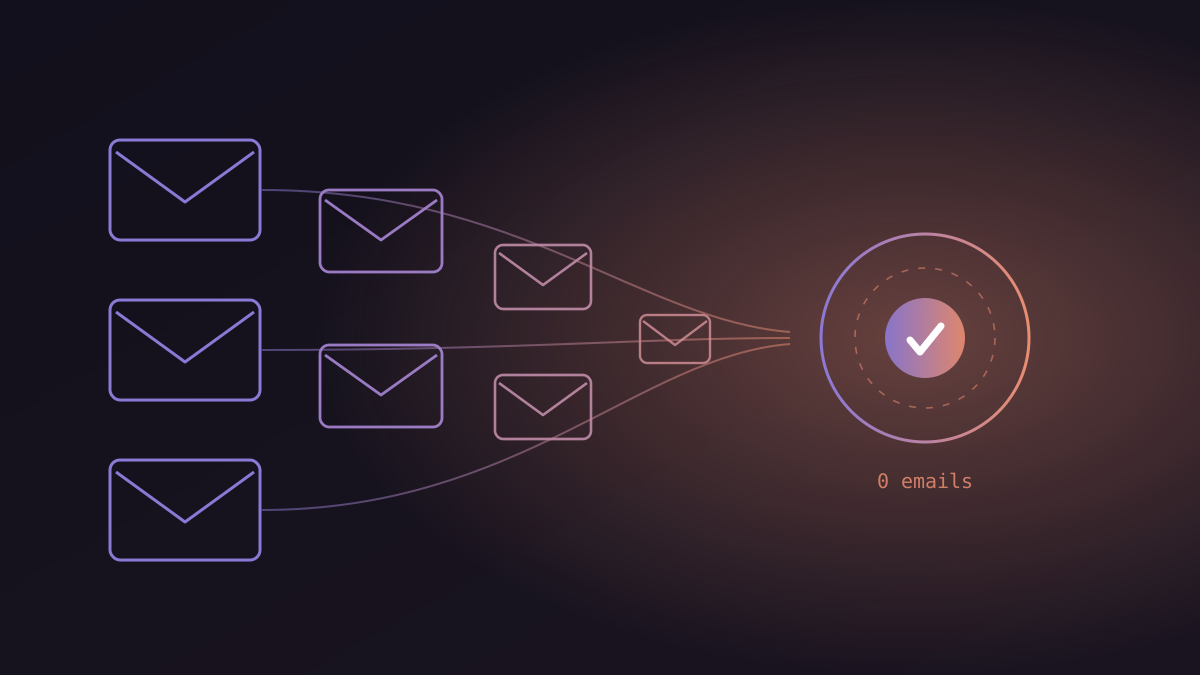
The fastest AI agent wins land in week one: a scheduling agent that turns 8-email booking threads into zero, a follow-up agent that never drops a thread, and a support agent that resolves the routine 60–70% of tickets end to end. All three connect to the tools you already use — calendar, CRM, helpdesk — so nothing gets migrated, and results are measurable within days.
Quick win #1: How does an agent eliminate scheduling back-and-forth?
The agent reads the meeting request, checks your calendar rules, proposes times, books the slot, and briefs you before the call — the 8-email thread becomes zero. It knows your preferences (no calls before 10am, buffers between meetings), pulls context from your CRM and past emails into a pre-meeting brief, and after the call transcribes and logs commitments. Founders using AI scheduling report reclaiming around 13 hours per week — over 50 hours a month returned to actual work.
Before · manual
- "Does Tuesday work?" × 8 emails
- Timezone math, double-bookings
- Walk in cold, no context
- Notes typed up "later" (never)
After · agent
- Booked in one exchange, any timezone
- Calendar rules enforced automatically
- CRM-sourced brief before every call
- Notes & commitments logged instantly
Quick win #2: How does an agent stop follow-ups from dying?
The agent tracks every open thread — proposals sent, demos done, invoices due — and sends the right nudge at the right time, escalating to a human only when a reply needs judgment. Dropped follow-ups are pure revenue leakage: the prospect who went quiet after a good demo usually didn't say no, they just got busy — and so did your rep. Sales teams automating follow-ups and CRM updates report saving around 2 hours per rep per day, and the pipeline effect is bigger than the time effect: deals stop dying of silence.
Before · manual
- Follow-ups live in a rep's memory
- Hot leads cool over the weekend
- CRM updated in Friday batches
- "Whatever happened to that deal?"
After · agent
- Every thread tracked, nothing drops
- Nudges timed per prospect behavior
- CRM logged in real time, per touch
- Reps step in only to close
Quick win #3: What changes in support on day one?
The agent resolves the routine 60–70% of tickets end to end — order status, refunds, password resets, onboarding FAQs — and routes the rest to humans with full context attached. Response time drops from hours to seconds regardless of queue depth or timezone, and your human team wakes up to an inbox containing only the tickets that genuinely need them. On voice and WhatsApp channels, the same agent answers in the customer's own language, around the clock.
Before · manual
- Same 40 questions, every day
- First response: hours (or Monday)
- Agents burn out on repetition
- Complex cases wait behind FAQs
After · agent
- Routine tickets resolved end to end
- First response: seconds, 24/7
- Humans handle only judgment cases
- Every action logged and auditable
What does the week-one rollout actually look like?
Pick one workflow, baseline it, connect the agent with guardrails, run 2–3 days in shadow mode, then go live on routine cases.
- Day 1 — pick and baseline. Choose the workflow with the most hours burned. Pull current numbers: response times, hours spent, drop rates.
- Day 2 — connect. Scoped access to calendar, CRM, or helpdesk. Escalation rules and audit logging on from the start.
- Days 3–4 — shadow mode. The agent drafts and proposes; your team approves. This is where trust is built and edge cases surface.
- Day 5 — go live on routine cases. The agent handles the standard flow autonomously; anything uncertain escalates to a human.
- Week 2 — measure and report. Compare against the baseline. This delta is the document that funds agent #2.
This is deliberately unglamorous. No platform migration, no committee, no transformation deck — one workflow, one agent from the library, one measurable result. Then compound.
Frequently asked questions
What can an AI agent automate in the first week?
The fastest wins are meeting scheduling, sales follow-ups, and tier-1 support triage. All three run on your existing tools — calendar, CRM, helpdesk — so no migration is needed and results are measurable within days.
How long does it take to deploy an AI agent?
A pre-built agent for a single workflow can go live in days and reach a full production pilot in 2–4 weeks, including integration, guardrail configuration, and a shadow-mode period with human review before autonomous operation.
Do AI agents work with existing tools like Gmail, Salesforce, and WhatsApp?
Yes — modern agents connect to email, calendars, CRMs, helpdesks, Slack, and WhatsApp through APIs and pre-built integrations, acting inside the tools your team already uses rather than replacing them.